Organize Media by Manufacturer
Imported product images can now be stored in manufacturer-based subfolders.
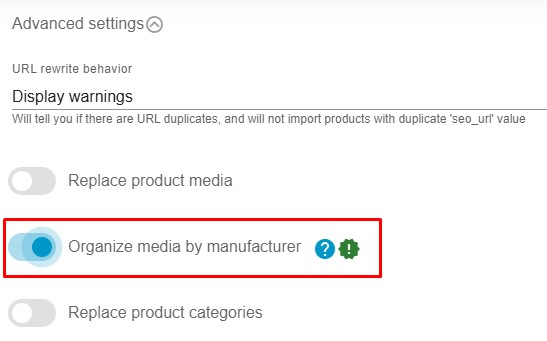
Workflow
Section titled “Workflow”- Edit a Product Import Profile.
- Enable Organize media by manufacturer.
- Run the import.
How It Works
Section titled “How It Works”- Subfolders are created automatically inside the default product media folder.
- These subfolders are named after Manufacturer names.
- Product media are imported into the appropriate manufacturer’s media folder based on the product manufacturer value.
- If manufacturer data is missing, media is stored in the default folder.
- The feature is disabled by default.
- Uses caching and batch processing for performance.
- Import time impact is below 5%.