Add Filters & Run Export
Step 3: Add Filters
Section titled “Step 3: Add Filters”If you don’t want to export all records, you can create filters on the “Filter” screen:
- Press the ”+” button.
- Select a product property to filter by. For example, you can choose orderDate to filter orders by their creation date.
- Choose an operator. For instance, Range allows you to export records within a specific time interval.
- Specify a value. If you’re exporting orders and have selected orderDate and Range, you can filter to export orders from today, yesterday, last week, last month, etc.

You can create multiple filters by clicking the “Add Filter” button. This allows you to refine your export even further by applying additional criteria.
Final Step: Export
Section titled “Final Step: Export”Click the “Save & Close” button to save your Shopware 6 export profile for future use. The app will automatically execute the profile according to the scheduled time. If you click the “Export” button, the app will transfer the data from Shopware 6 immediately.
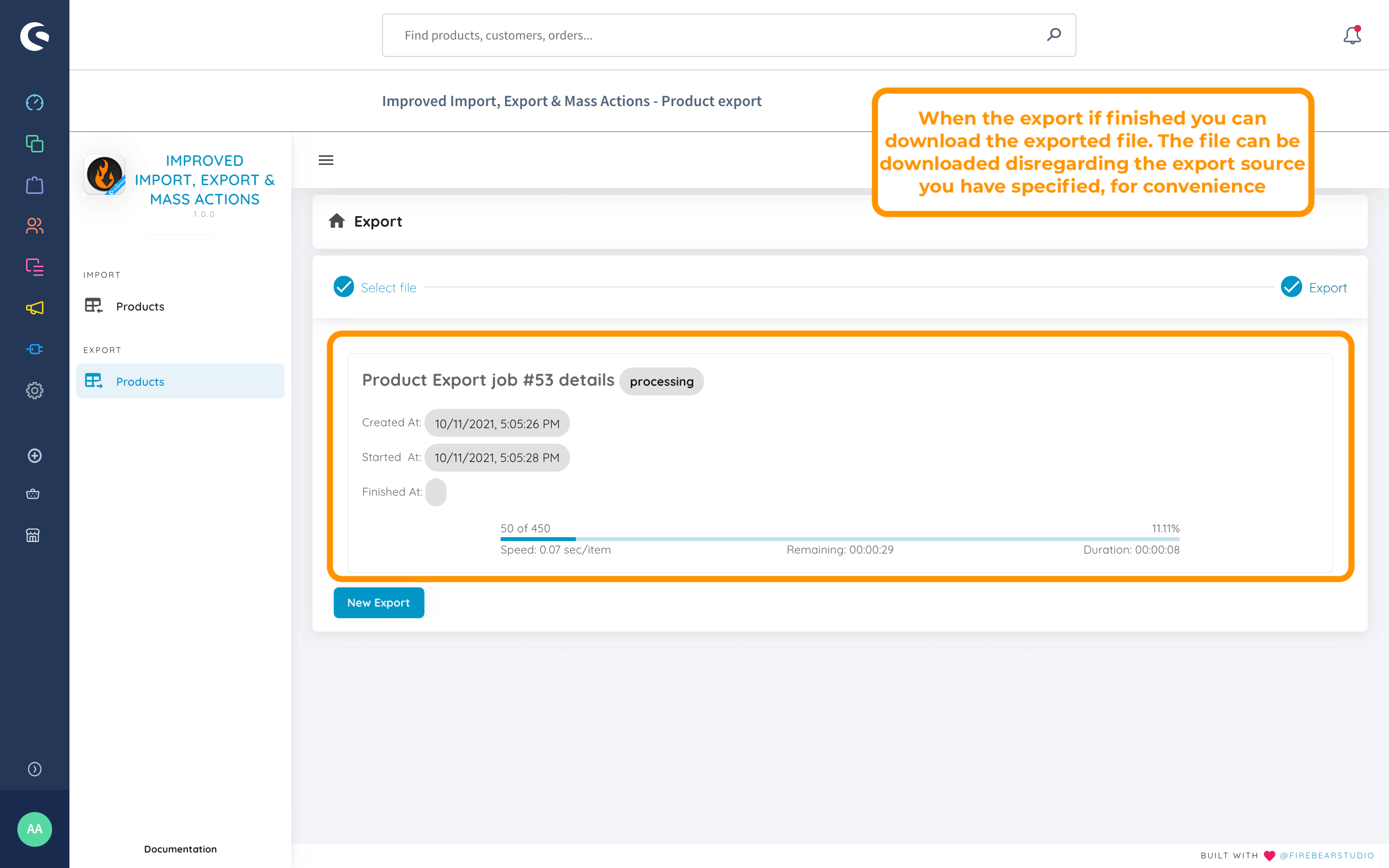
If you selected File as your export destination, you can download it by clicking the Download button at the bottom of the export process recap.