Preview & Run Import
Step 3: Preview Results
Section titled “Step 3: Preview Results”Before starting the import procedure, the app allows you to preview how the products will appear once imported.
This feature is designed to help you confirm that the product attributes and properties have the correct values, ensuring everything is in order before you proceed with the import.
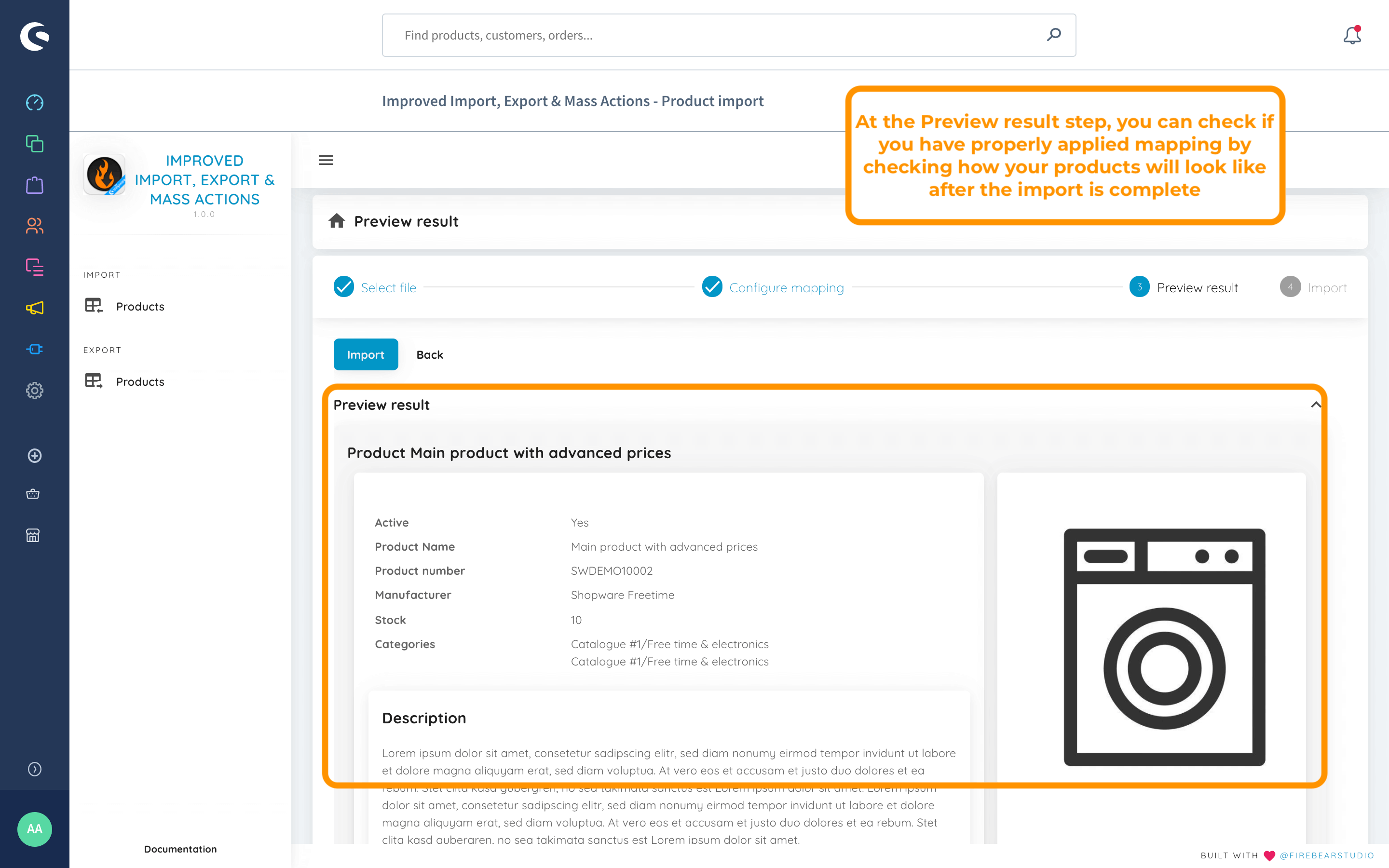
The “Preview Result” section lets you review the first 100 rows from the imported file. Once you’ve checked the results and everything looks good, you can proceed with the import procedure.
Final Step: Import
Section titled “Final Step: Import”When you click the “Import” button at the bottom of the Preview result step of the import, the extension starts importing the file you have uploaded.
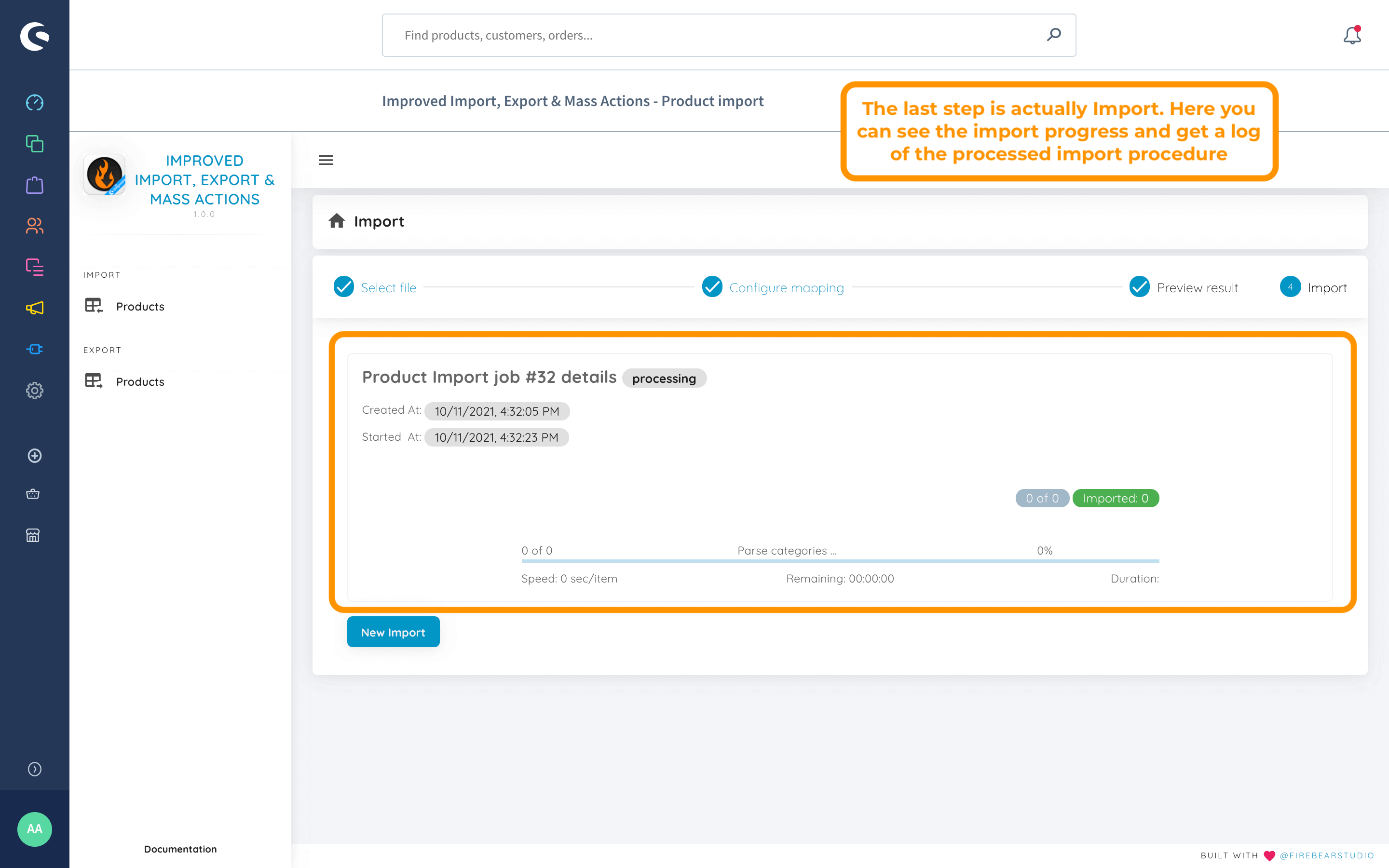
During the import process, you’ll see the number of imported products, excluding child products of configurable items, as well as the average import time.
Once the process is complete, you can review the products you’ve imported into your Shopware 6 store.