Automated Post-Processing of Import Files
After successful processing of an import file via FTP/SFTP, the file is automatically moved, deleted, or marked according to defined rules.
Workflow
Section titled “Workflow”-
Edit an Import Profile.
-
Open File Post-Processing Settings.
-
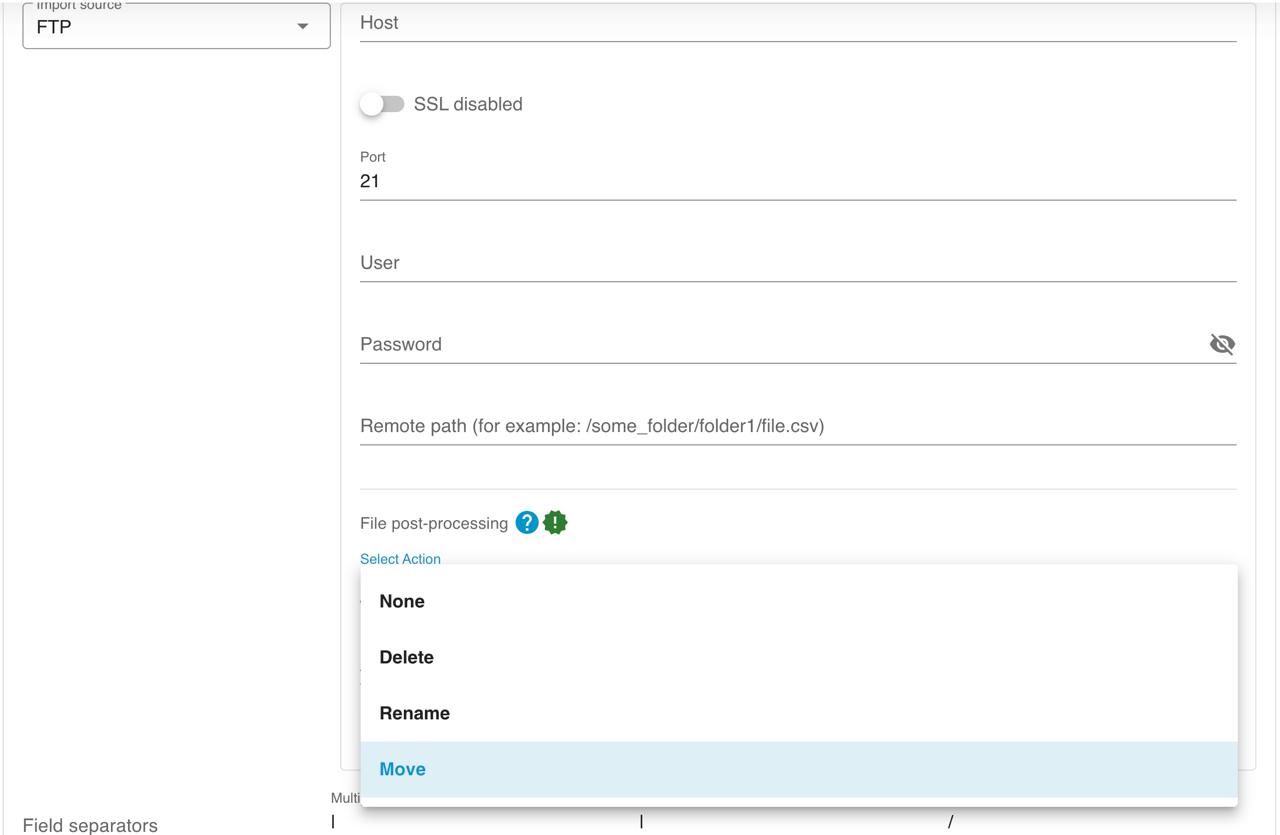
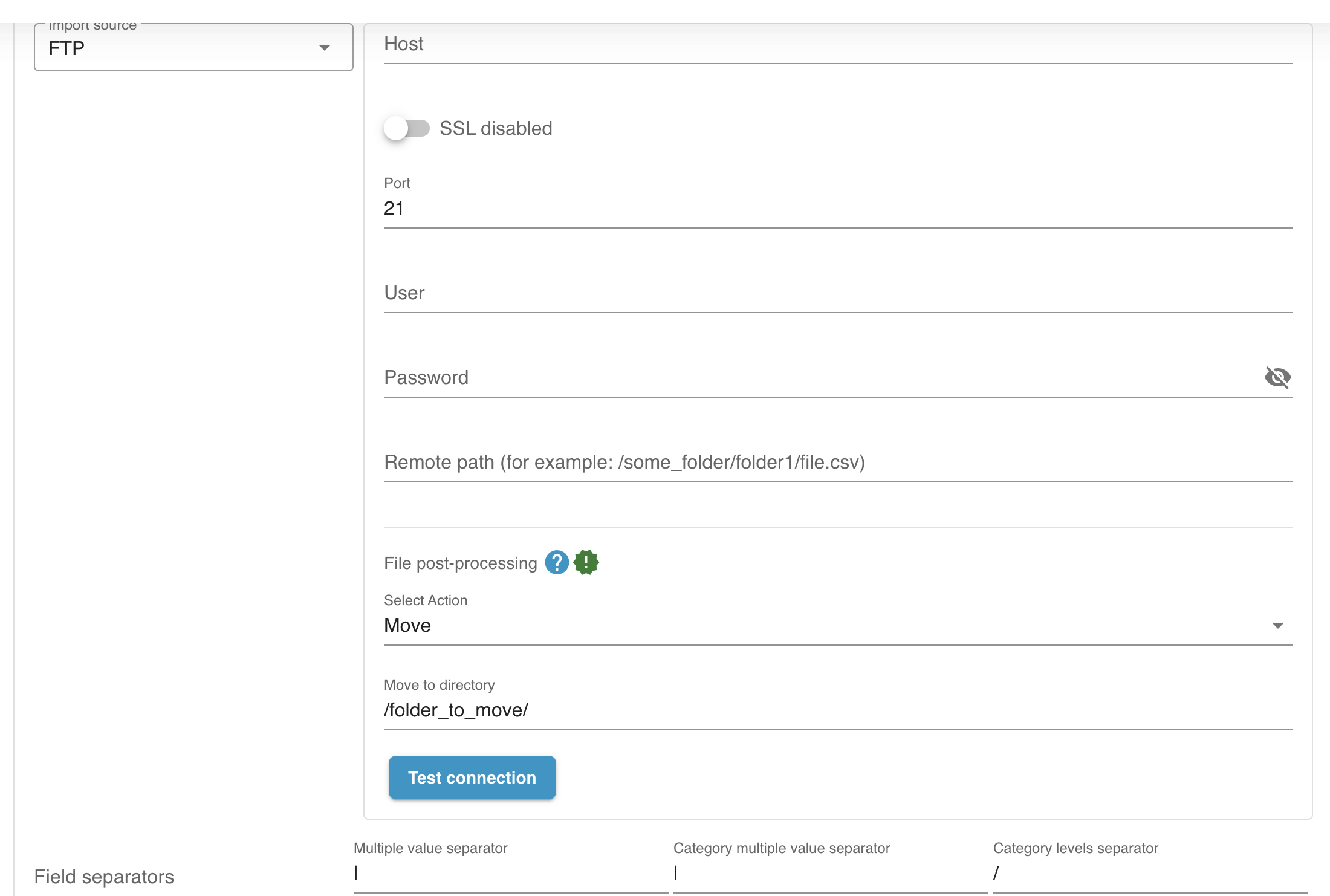
Choose one action:
-
Move file to archive/success directory
-
Delete the file after successful import
-
Rename file (e.g. add
_processed)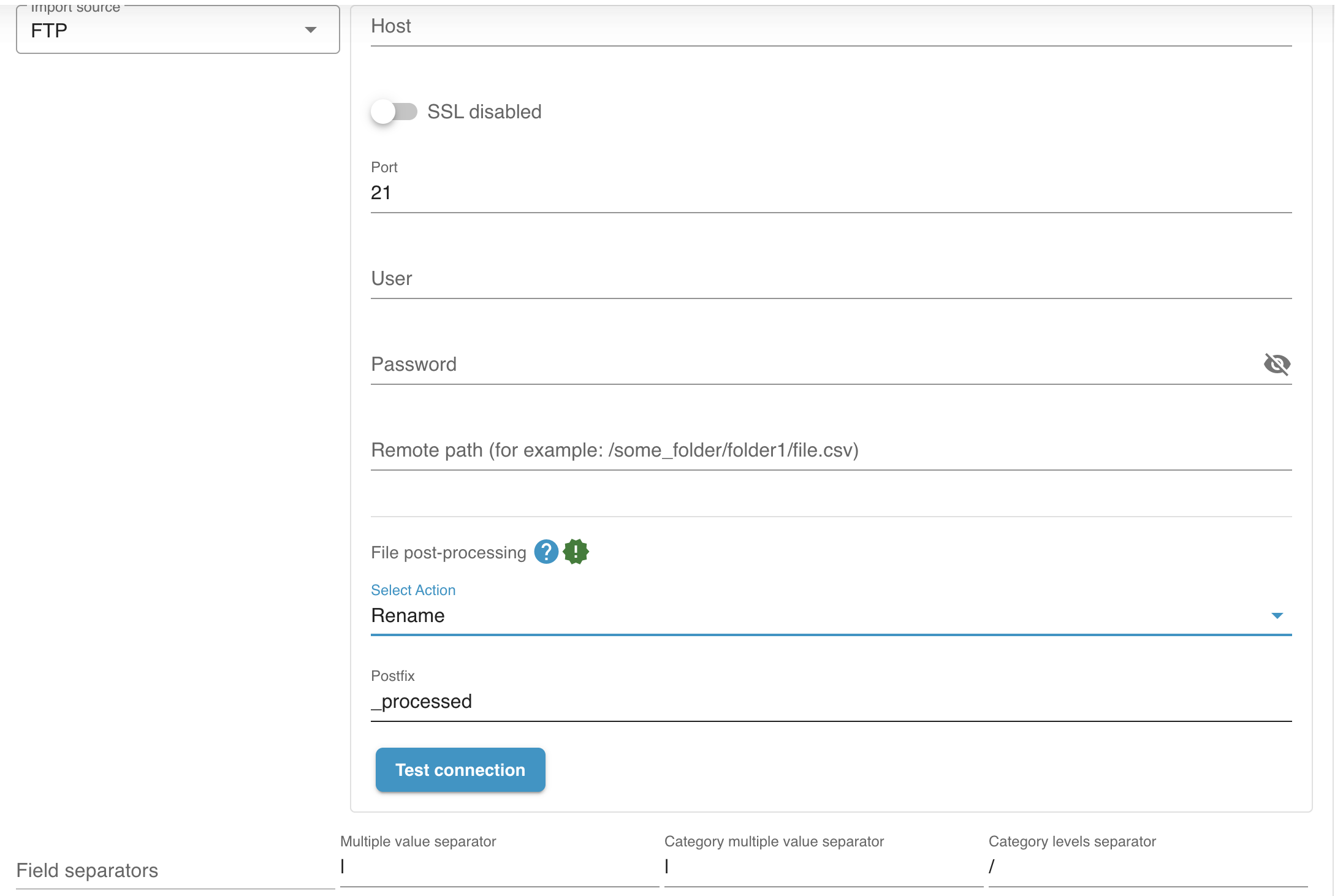
Rename placeholders
Section titled “Rename placeholders”When you choose Rename file, enter the postfix that should be added before the file extension.
You can use these placeholders in the postfix:
| Placeholder | Result | Example postfix | Example file name |
|---|---|---|---|
[timestamp] | Unix timestamp | _processed_[timestamp] | import_processed_1779809986.csv |
[datetime] | Readable date and time in YYYY-MM-DD_HH-mm-ss format | _processed_[datetime] | import_processed_2026-03-13_15-19-33.csv |
You can also combine placeholders, for example _processed_[timestamp]_[datetime].
Result
Section titled “Result”- The import directory always contains only unprocessed files.
- Duplicate imports are prevented.
- Imports run in a controlled, sequential order.