Delivery Time
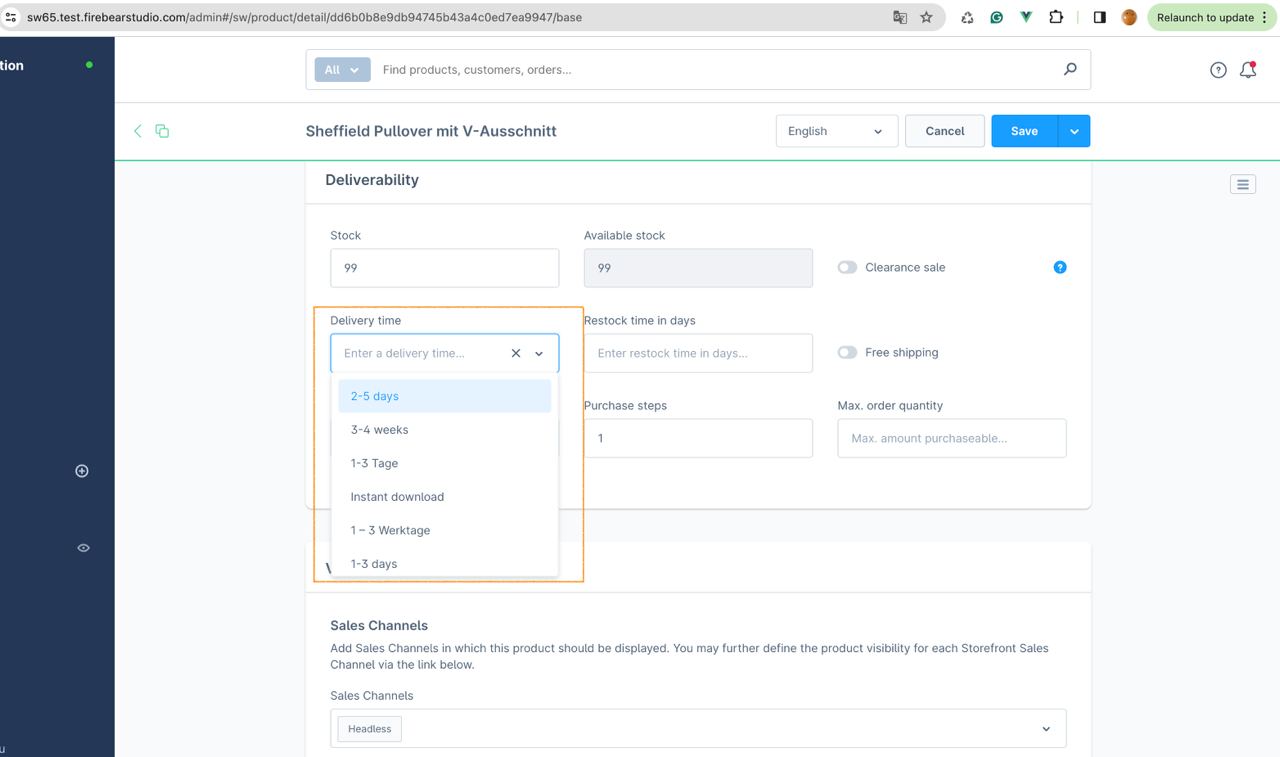
You can import delivery time fields into Shopware 6 using three different methods:
- By ID: If all delivery times are already created in Shopware, you can import them using the
delivery_time_idcolumn in your import file. - By Name: If the delivery times are already set up in your store, but you don’t want to look up all the IDs, you can import them using the
delivery_time_namecolumn. The app will automatically find the existing ID based on the name and attach it to the product. - Creating New Delivery Times: To create a new delivery time during import, use four columns:
delivery_time_name,delivery_time_min,delivery_time_max, anddelivery_time_unitto fully describe the new delivery time.
You can find an example in the following table:
