Export Configurable Products
Here’s a guide on how to use the import and export features for configurable products to adjust their frontend display in Shopware 6.
Import
Section titled “Import”You can use the import feature to control how configurable products with variants are displayed in product listings. Let’s explore how this feature works in Shopware versions 6.5 and 6.4.
Shopware 6.5
Section titled “Shopware 6.5”The import of configurable products can lead to different frontend displays depending on the values specified in your CSV table. Let’s explore 4 different cases:
Case №1
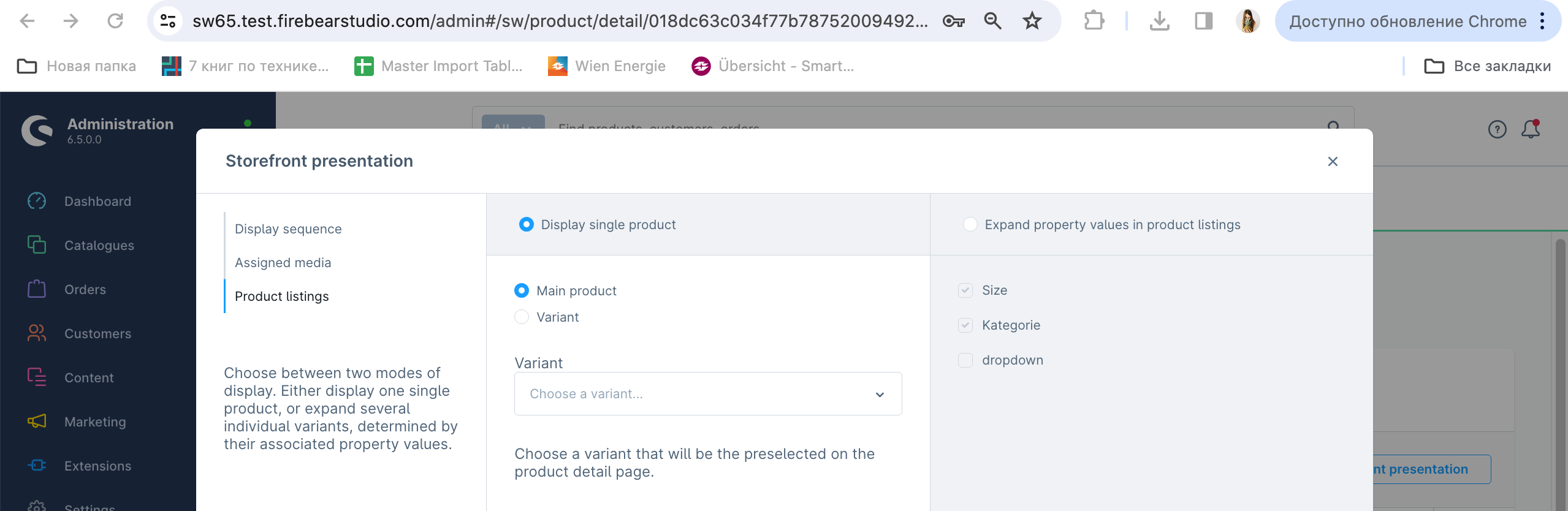
If the Display Single Product as Main Product column is set to “1” (true) and Display Single Product as Variant and Display as Expand Product are empty:

The Shopware configurable product import will display the selected Main product with an empty dropdown, meaning no variant is pre-selected.
Case №2
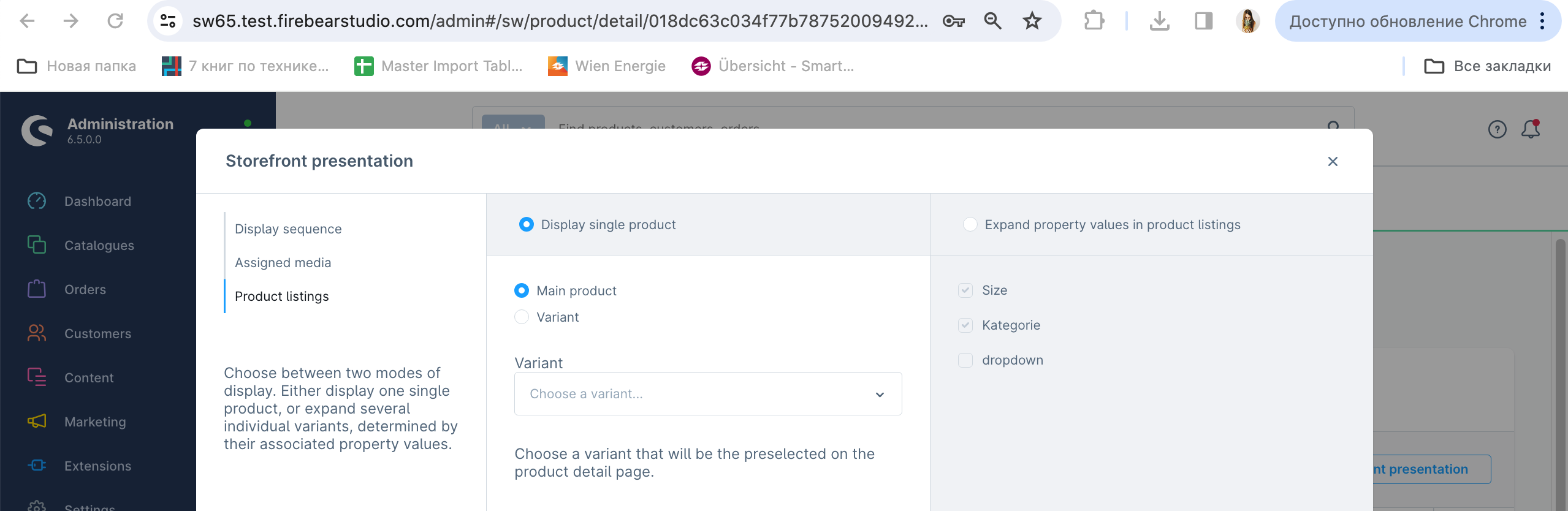
If the Display Single Product as Main Product column is set to “1”, the Display Single Product as Variant column contains an ID of one of the configurable product variants, and Display as Expand Product is empty:

The Shopware configurable product import will display the selected Main product with an empty dropdown, meaning no variant is pre-selected.
Case №3
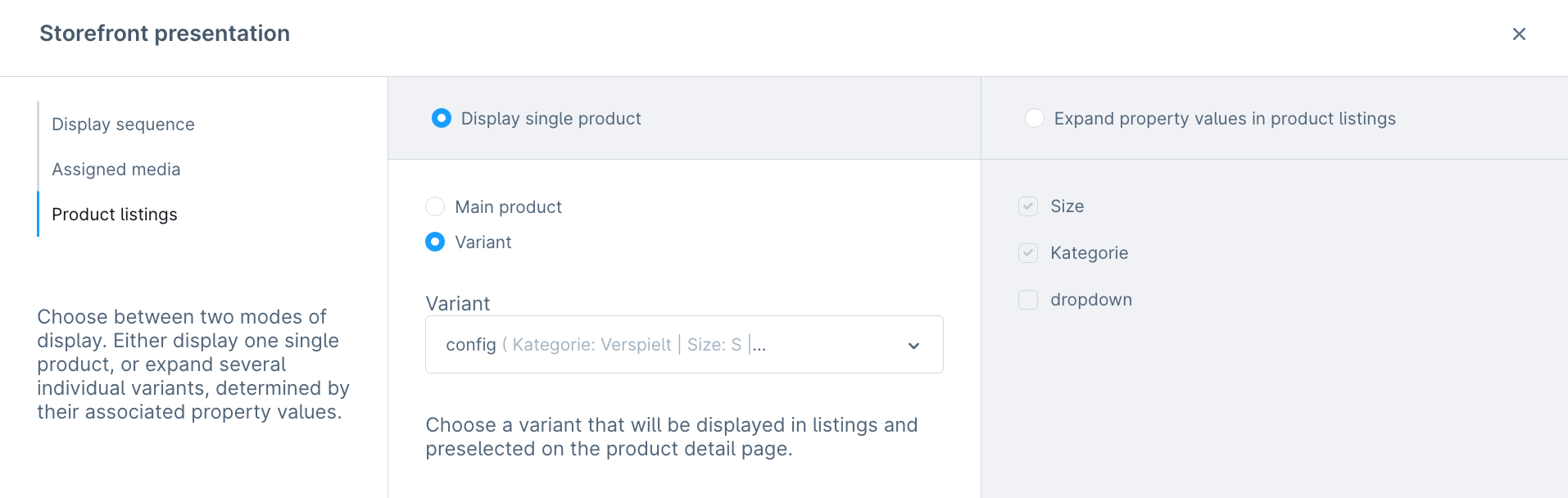
If the Display Single Product as Main Product column is set to “0” (false) or is empty, the Display Single Product as Variant column contains an ID of one of the configurable product variants, and Display as Expand Product is empty:

The Shopware configurable product import will display the selected Variant in the Display Single Product section, with the variant being the product with the ID specified in the CSV.
Case №4
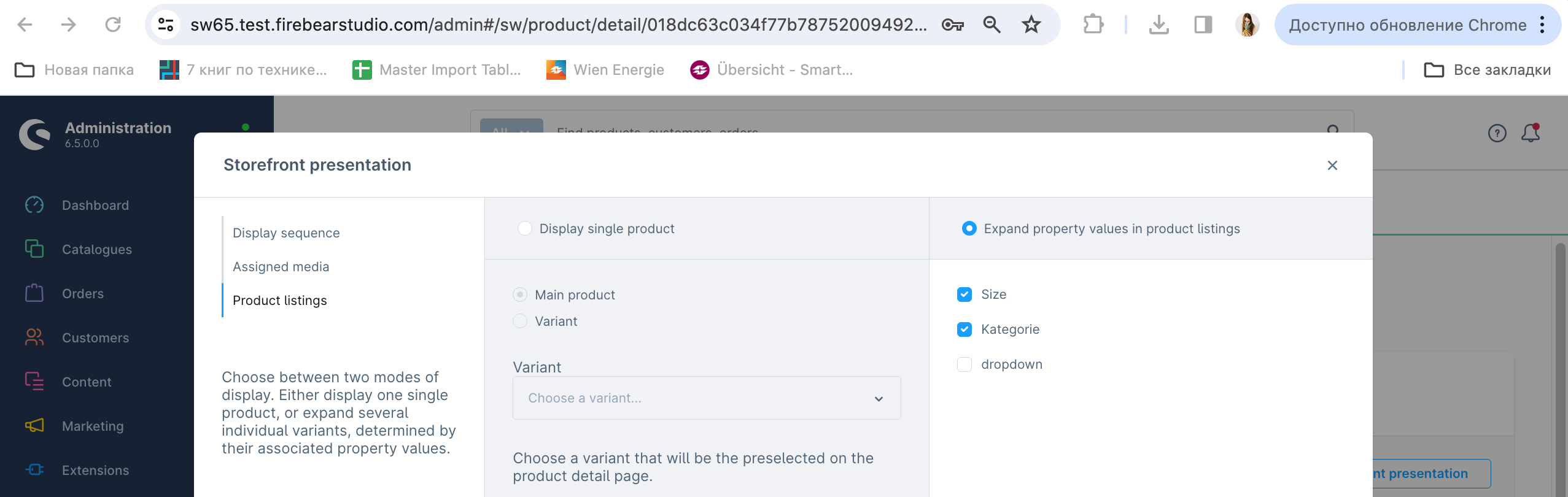
If the Display Single Product as Main Product column is set to “0” (false) or is empty, the Display Single Product as Variant column is empty, and the Display as Expand Product column contains the Available Property Name (Colour|Size)+ID combination (several values should be separated with |):

The Shopware configurable product import results in the selected Main product option in the Display single product section and the selected properties specified in the Expand property values in the product listings section.
Shopware 6.4
Section titled “Shopware 6.4”The Display Single Product as Variant functionality is not available in Shopware 6.4. Therefore, you cannot use import to control the Display as Expand Product feature. In the cases below, the corresponding column is empty.
Case №1
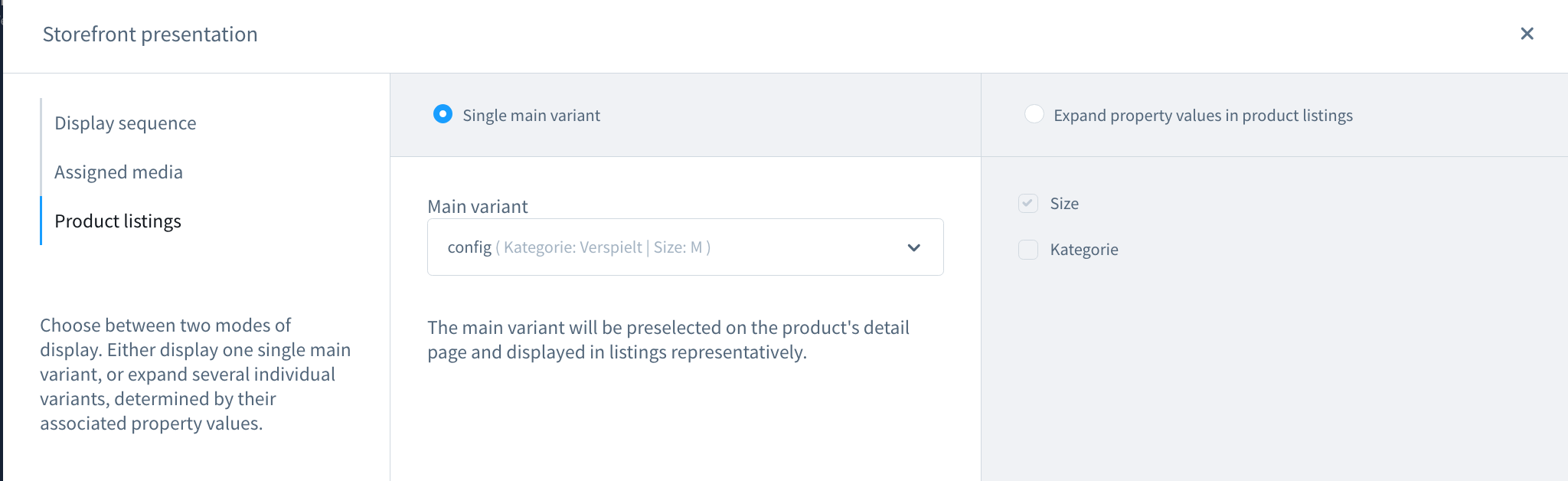
If the Display Single Product as Main Product column is set to “1” and Display Single Product as Variant and Display as Expand Product are empty:

The Main product is selected, and the variant in the dropdown remains unchanged.
Case №2
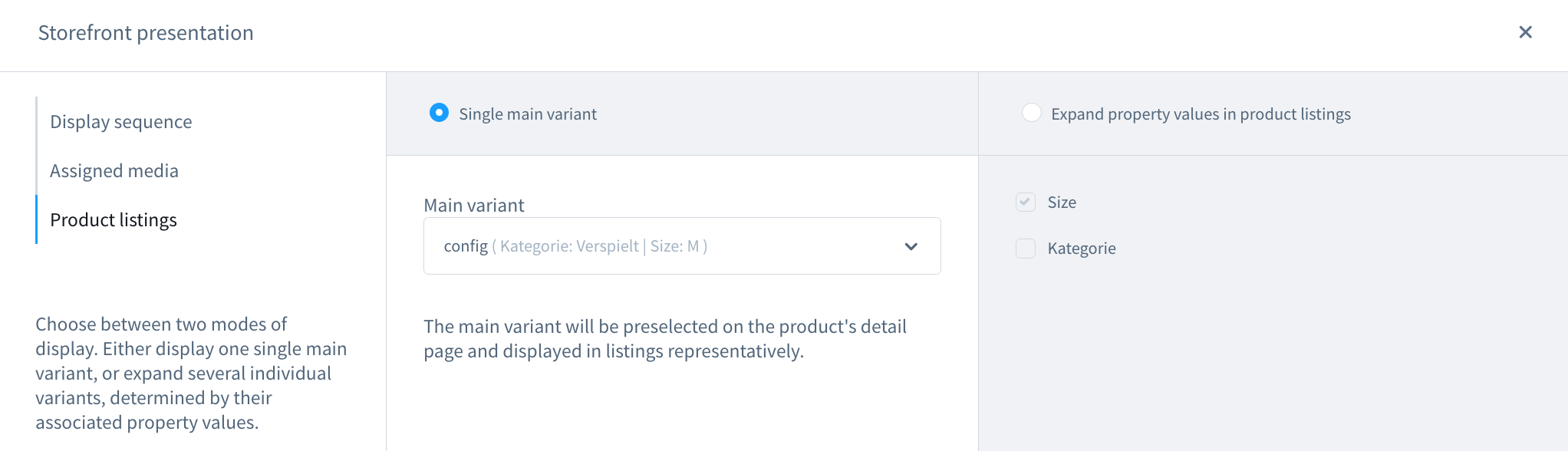
If the Display Single Product as Main Product column is set to “1”, the Display Single Product as Variant column contains an ID of one of the configurable product variants, and Display as Expand Product is empty:

The checkmark is active on the Main product, and the variant in the dropdown is selected based on the ID provided in the import file.
Case №3
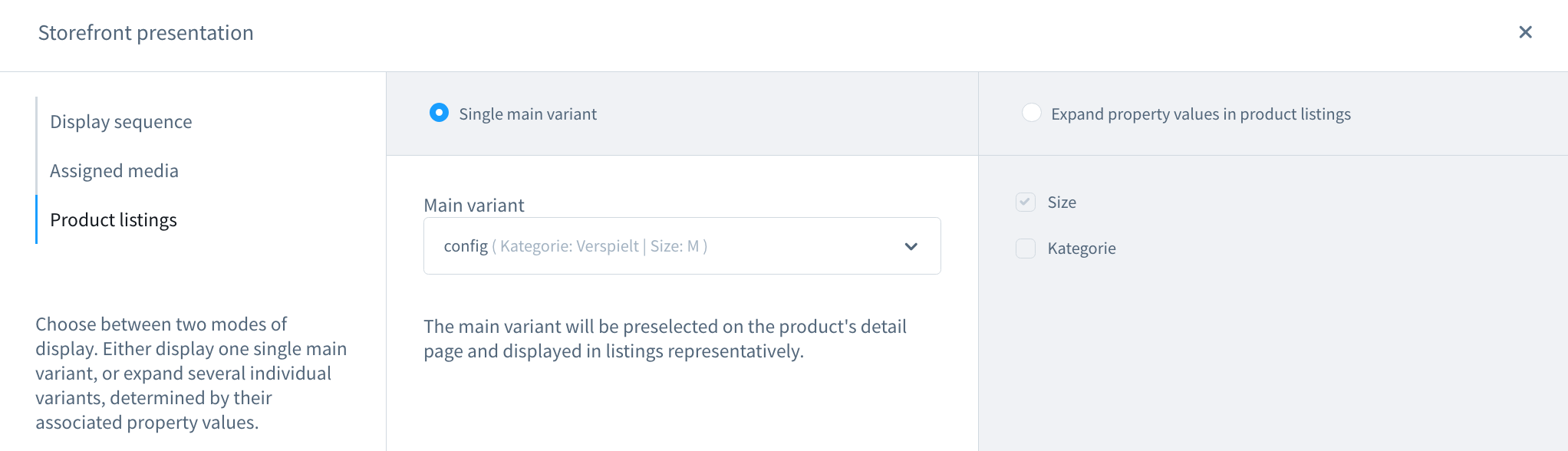
If the Display Single Product as Main Product column is set to “0” or is empty, the Display Single Product as Variant column contains an ID of one of the configurable product variants, and Display as Expand Product is empty:

The checkmark is active on the Main product, and the variant in the dropdown is selected based on the ID provided in the import file.
Export
Section titled “Export”When you export configurable products from Shopware, the output format differs between versions 6.5 and 6.4.
Shopware 6.5
Section titled “Shopware 6.5”In Shopware 6.5, the export includes the following three columns:
- display_single_product_as_main_product: This column corresponds to the “Display Single Product as Main Product” checkbox. It contains “1” if the checkbox is selected and is empty if it is not.
- display_single_product_as_variant: This column represents the “Display Single Product as Variant” checkbox and the selected variant in the dropdown. The exported CSV will contain the variant ID.
- display_as_expand_product: This column corresponds to the “Expand Property Values in Product Listings” checkbox. The value consists of the name and ID of the selected properties.
Shopware 6.4
Section titled “Shopware 6.4”In Shopware 6.4, the export includes the same three columns:
- display_single_product_as_main_product and display_single_product_as_variant: These columns correspond to the “Single Main Variant” checkbox and the Variant dropdown, respectively.
- display_as_expand_product: This column is exported empty. Even if you manually select values to expand, they will not be included in the export file in this version. Additionally, importing content into this column is not possible. However, this does not affect imports — if you have selected “Expand Property Values in Product Listings,” these settings will not be overwritten during the import/export process.