Customer Filter by Sales Channel
Customer export lets you filter customers during export by a specific sales channel, similar to product filters. You can do that as follows:
- Go to Export Jobs → create or edit a profile.
- Select Customer as the entity.
- Open Filters.
- Create a Sales Channel filter → choose saleChannelId and select one or multiple sales channels.
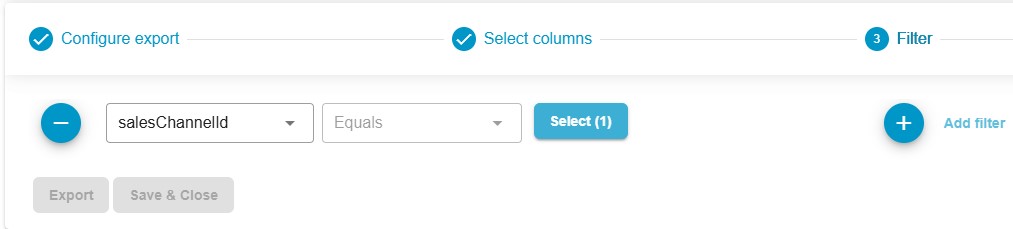
Only customers assigned to the selected sales channel(s) will be included in the export.
A possible use case is exporting B2B customers from a specific storefront.