Product Export Filters by Date
Product exports now support date-based filters.
Workflow
Section titled “Workflow”- Create or edit a Product Export Profile.
- Open Filters.
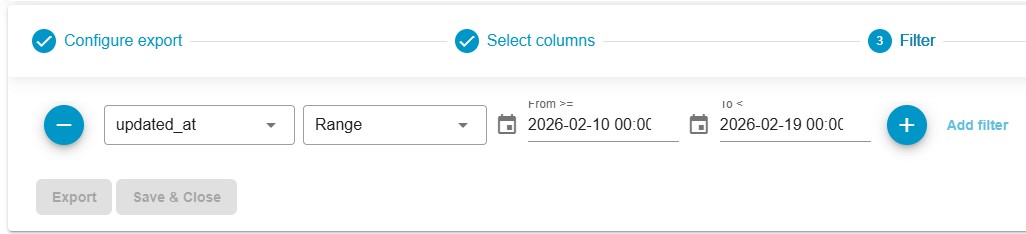
- Select:
created_at, orupdated_at
- Choose Equals to select a specific date or choose Range to specify a range.
- A calendar date picker appears.
- Define the date or date range.
- Run the export.
Result
Section titled “Result”Only products created or updated within the selected period are exported.
Use Case
Section titled “Use Case”Incremental exports, catalog synchronization, and change-based integrations.